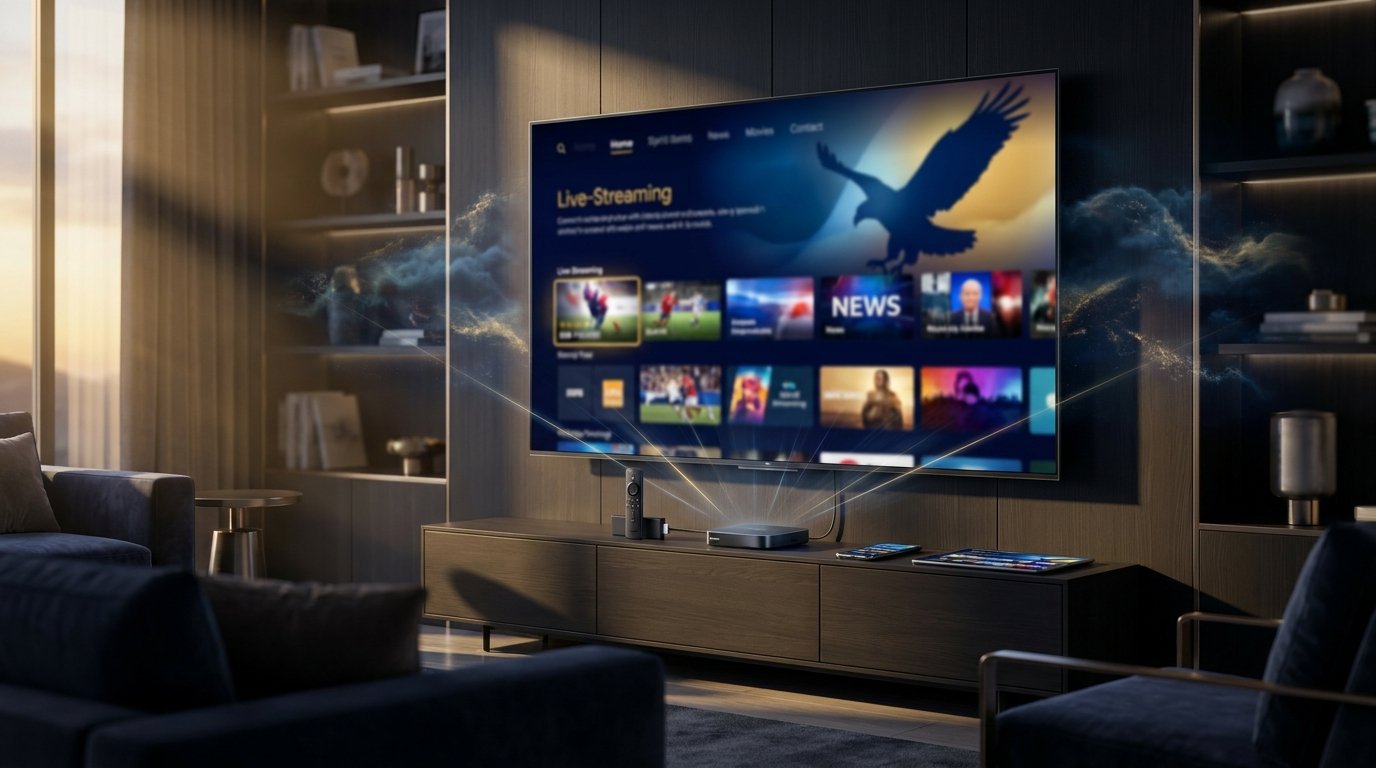
Are you looking for a smarter way to stream your favorite television channels without the skyrocketing costs of traditional cable companies? Setting up your Eagle Cast IPTV account gives you instant access to a massive global library of live sports, on-demand movies, and international broadcasting. Millions of households are cutting the cord this year, replacing bulky hardware with streamlined digital applications.
Finding a reliable streaming provider can feel overwhelming with so many questionable options flooding the digital market today. Whether you are using a dedicated smart television or a portable streaming stick, choosing Eagle Cast IPTV ensures a premium, buffer-free viewing experience. This comprehensive guide will walk you through exactly how the technology works, what it costs, and how to configure it securely on your home network.
Quick Answer Eagle Cast Television offers a premium digital streaming service that delivers thousands of live TV channels, regional sports, and movies directly to your smart devices. With transparent, flexible pricing plans and an easy-to-use interface, it effectively replaces expensive monthly cable bills. To get started quickly, sign up for a trial account, download a compatible media player, and enter your provided M3U link or Xtream Codes.
Table of Contents
What is Eagle Cast TV and How Does It Work?
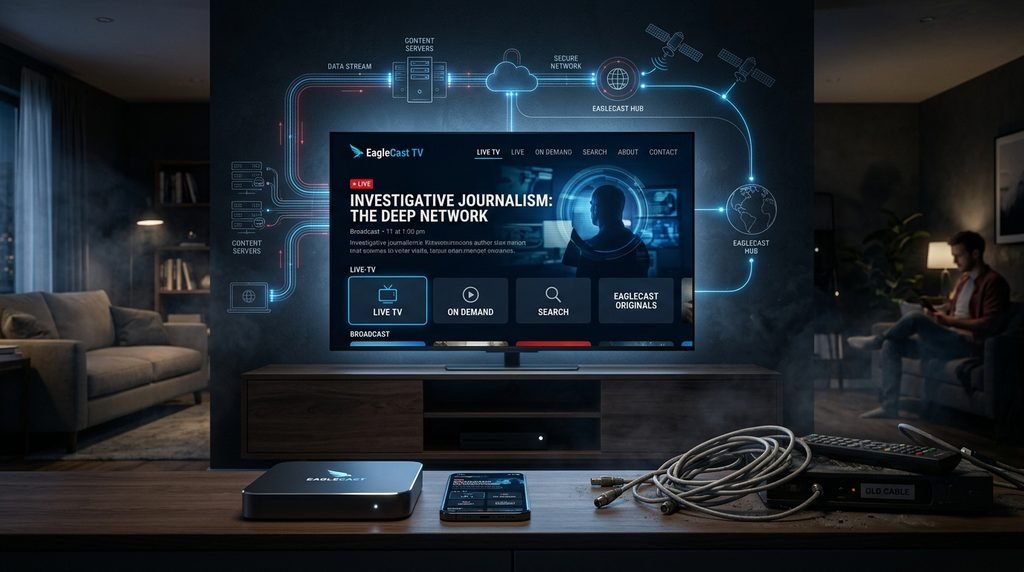
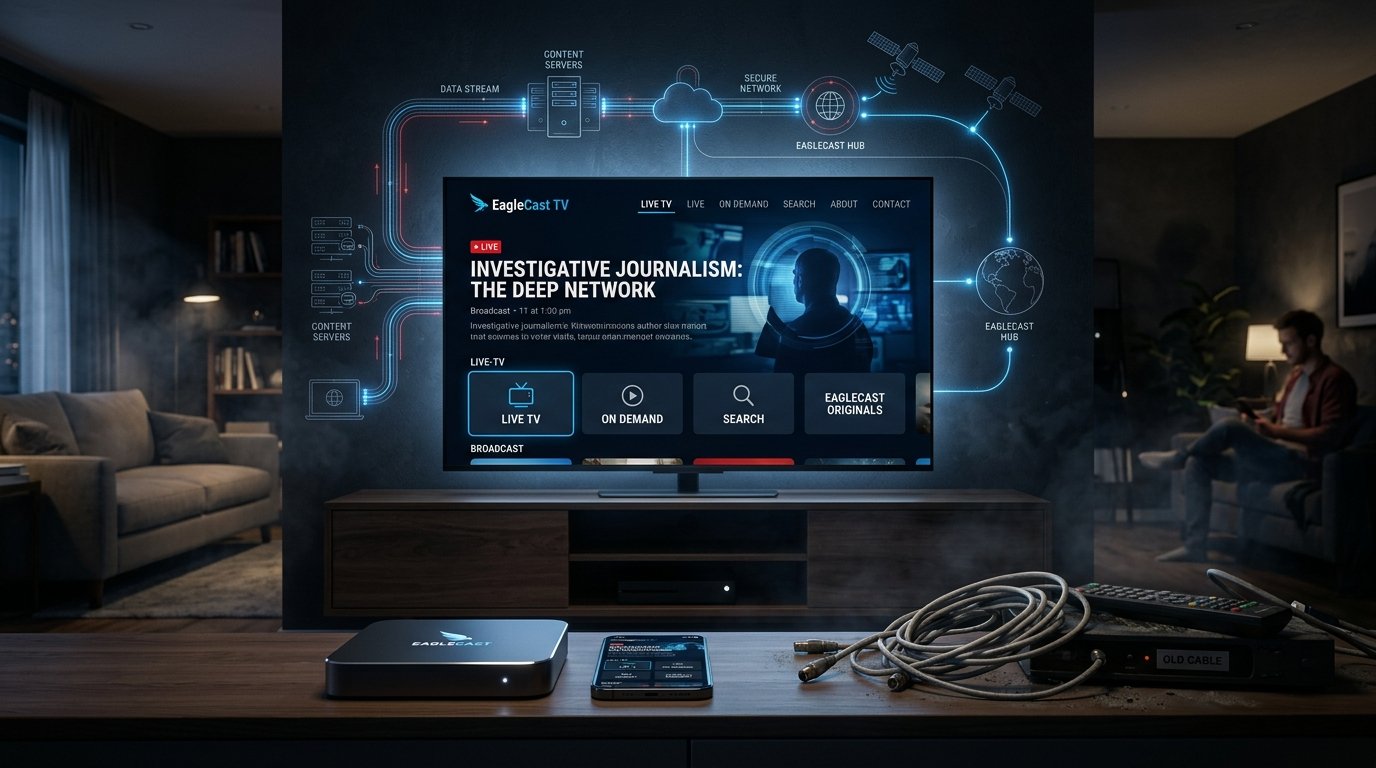
Eagle Cast TV is a digital streaming service that delivers live television programming through internet protocols rather than traditional satellite or terrestrial cable formats. It works by providing subscribers with an M3U playlist or portal login, connecting compatible media players directly to secure streaming servers.
When you subscribe to an Eagle Cast IPTV plan, you are fundamentally changing how media is delivered into your living room. Instead of relying on a rented physical set-top box from a local cable company, the video data streams continuously over your home broadband connection. This modern approach to television broadcasting allows for massive channel lineups and instant video-on-demand libraries that cable simply cannot match.
Many users migrating to modern streaming platforms appreciate the seamless software integration with popular devices like Android TV boxes, smartphones, and tablets. Getting your Eagle Cast IPTV configuration properly set up usually takes less than ten minutes. The technology relies on highly efficient Content Delivery Networks (CDNs) to ensure the video stream reaches your screen with minimal latency.
Understanding M3U Playlists and Xtream Codes
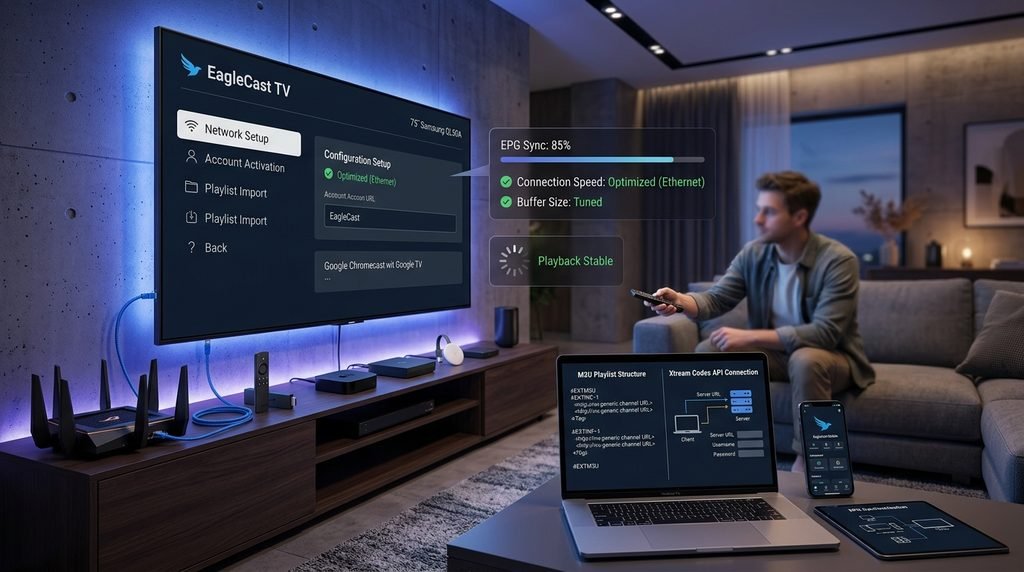
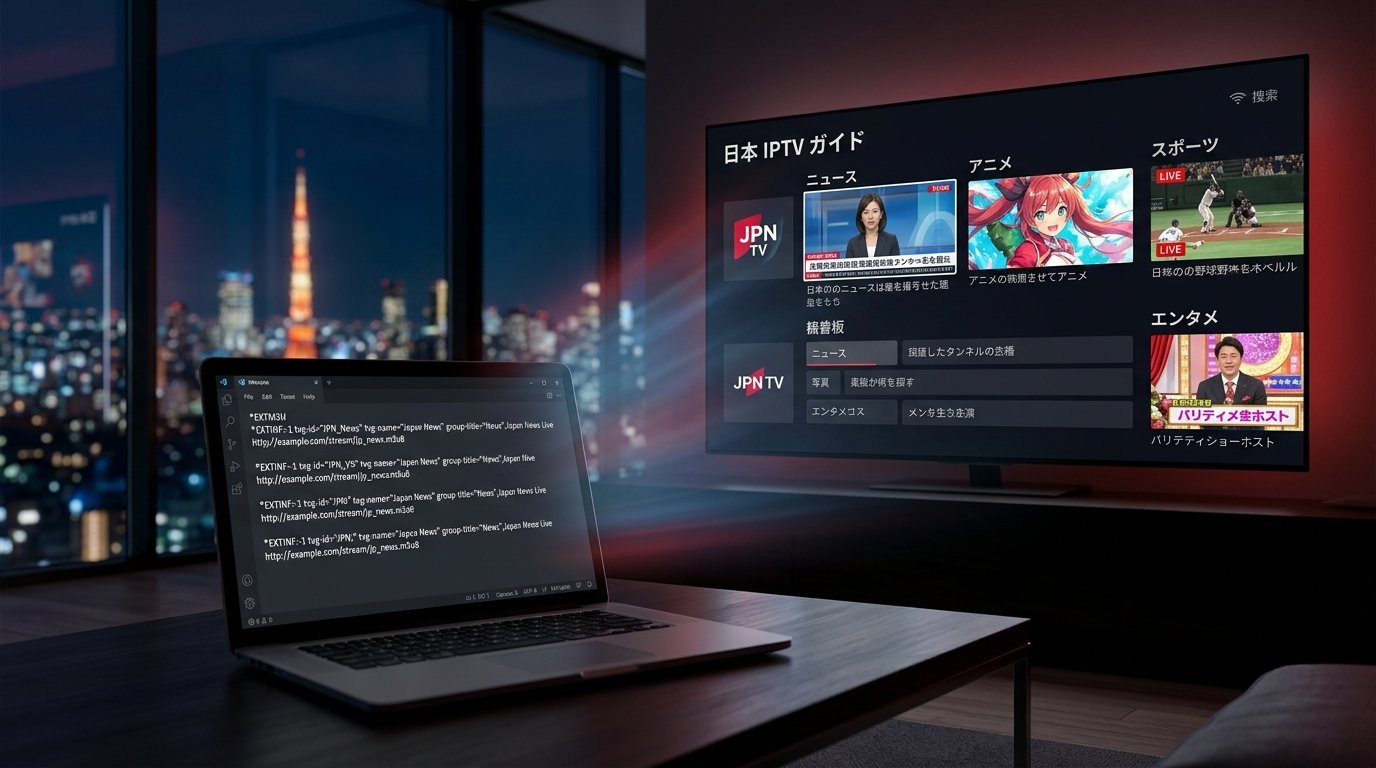
To connect to the servers, users generally utilize one of two standard authentication methods provided upon signup. An M3U playlist is essentially a long text file containing the exact web addresses for thousands of individual live channels and movie files. Alternatively, Xtream Codes provide a much cleaner login method requiring only a server URL, a username, and a password.
The Role of Content Delivery Networks
A massive challenge for live streaming is delivering heavy video files to thousands of simultaneous viewers without crashing the host server. High-quality services utilize a global network of proxy servers, known as CDNs, to distribute this data load efficiently. This means when you tune into a major sporting event, your stream is being delivered from a server geographically close to your location.
Is Eagle Cast TV Legitimate and Safe to Use?
Yes, using a reputable digital streaming service is fundamentally safe when adhering to basic cybersecurity practices. Legitimate providers prioritize secure payment gateways and server stability, while users are encouraged to maintain active VPN connections to protect their private browsing data.
A common question among cautious cord-cutters is whether their chosen platform prioritizes user security and data privacy. To determine if a platform is trustworthy and is EagleCast TV legit, you must look at its reliable uptime history, encrypted payment processing, and positive community reputation. Legitimate services clearly outline their technical support terms rather than hiding behind anonymous cryptocurrency-only transactions.
The broader cord-cutting community consensus shows that an Eagle Cast IPTV subscription is entirely safe when paired with standard digital privacy tools. Utilizing a trusted Virtual Private Network (VPN) while streaming your Eagle Cast IPTV playlist adds a necessary layer of encryption against potential network monitoring. Internet Service Providers (ISPs) frequently monitor unencrypted streaming traffic to intentionally throttle bandwidth during peak hours.
Protecting Your Privacy with a VPN
A VPN securely routes all your internet traffic through an encrypted tunnel, making it impossible for your local internet provider to see exactly what data you are downloading. This prevents automated bandwidth throttling, ensuring your live streams remain perfectly smooth during Sunday night football games. Popular protocols like WireGuard offer blazing-fast decryption speeds that handle 4K streaming effortlessly.
Navigating Streaming Legalities
Regarding legal boundaries, broadcasting laws vary significantly depending on your specific region and local jurisdiction. If you are wondering is EagleCast TV legal, the technology itself merely acts as a data delivery protocol, much like a web browser. Viewers are generally responsible for ensuring they comply with local copyright regulations when accessing international media broadcasts.
How Much Does the Subscription Cost?
The service features transparent tiered pricing models designed to fit varying household budgets, typically structured into monthly, quarterly, and annual billing cycles. Longer commitments consistently offer the steepest discounts, allowing users to secure premium streaming access for a fraction of traditional broadcast television costs.
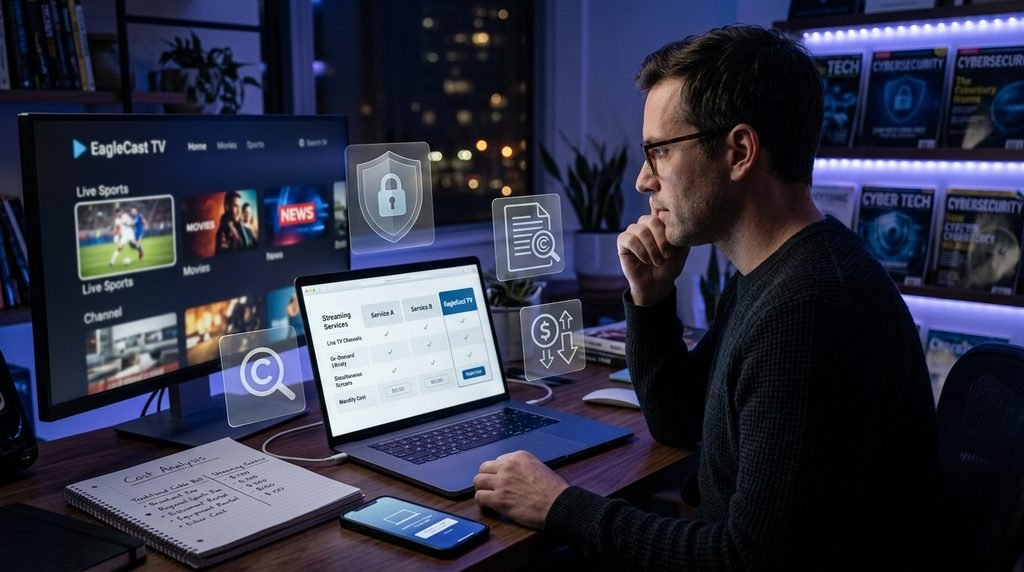
Transparency in billing is a crucial factor when evaluating any cord-cutting alternative on the digital market today. When you take the time to compare the standard IPTV plans against conventional satellite packages, the financial savings become immediately apparent. A standard Eagle Cast IPTV membership completely avoids hidden hardware rental fees, regional broadcast surcharges, and surprise annual rate hikes.
Most cautious users prefer to start by testing the waters before committing to a lengthy annual contract. You can easily claim a short free trial to evaluate the server connection speed, channel picture quality, and guide accuracy for yourself. Once completely satisfied, reviewing the various IPTV pricing tiers allows you to select a duration that perfectly matches your household’s entertainment budget.
Avoiding Free Streaming Scams
The internet is flooded with websites promising entirely free access to premium television networks and live sports. These platforms are notorious for injecting malware into your device, stealing personal data, and constantly interrupting streams with aggressive popup advertisements. Paying a small monthly fee for a premium service guarantees a safe, ad-free, and high-definition viewing experience.
Choosing the Right Subscription Tier
Securing a long-term Eagle Cast IPTV package usually provides the absolute best monthly value for dedicated streamers. For an exact breakdown of current seasonal promotional offers and multi-device discounts, it is highly recommended to check the official cost comparisons page. Be extremely wary of generic, unnamed providers offering “lifetime” subscriptions, as these are universally recognized as exit scams within the streaming community.
How Do I Install It on a Firestick?
Installing the service on an Amazon Firestick requires enabling developer options to allow third-party application installations. You then use the Downloader application to sideload a compatible media player, where you will securely enter your personalized subscription credentials.
The Amazon Firestick remains the most popular hardware choice for streaming enthusiasts due to its incredibly low cost and portability. To get your Eagle Cast IPTV service running smoothly on this device, you must first navigate to your system settings and enable app sideloading. You can find official guidance on modifying these system permissions directly through the Amazon Fire TV developer documentation.
Once developer permissions are enabled, grab the free Downloader tool from the official Amazon app store. Next, use the Downloader interface to fetch your preferred media player application, such as TiviMate or Smarters Pro. Once the media player app is installed, open it and input the Xtream Codes API details provided when you originally decided to subscribe to IPTV.
Enabling Developer Options
Amazon hides the developer menu on newer Firestick models to prevent accidental software modifications by novice users. To reveal it, navigate to Settings, click on “My Fire TV,” select “About,” and then rapidly click the center button on your remote seven times. A small notification will pop up confirming that you are now officially a developer.
Sideloading Your Media Player
Watching your Eagle Cast IPTV streams on a dedicated third-party application ensures you get a cable-like grid guide and incredibly fast channel-flipping speeds. Many users prefer installing multiple player apps to see which interface feels the most intuitive for their family members. Always ensure you type the download URLs exactly as instructed to avoid downloading incorrect or outdated application versions.
What Are Common Problems and Troubleshooting Steps?
The most frequent streaming issues involve localized network buffering, missing channel guides, or initial authorization login errors. These can typically be resolved quickly by restarting your internet router, updating the media player application, or manually refreshing the playlist URL.
Even the most robust streaming platforms in the world occasionally encounter technical hiccups during peak broadcasting hours. If your Eagle Cast IPTV channels begin to freeze or buffer constantly, the very first step is to verify your local internet connection speed. A minimum of 25 Mbps is generally required for stable high-definition playback, while intensive 4K content demands a consistent connection of at least 50 Mbps.
Another incredibly common issue involves an empty Electronic Program Guide where current show titles fail to load entirely. This usually means your player application failed to pull the latest XMLTV data from the main Eagle Cast IPTV servers during its scheduled sync. You can easily fix this minor glitch by navigating to your player’s settings menu and manually clicking “Update Playlist” or “Refresh EPG.”
Fixing Network Buffering
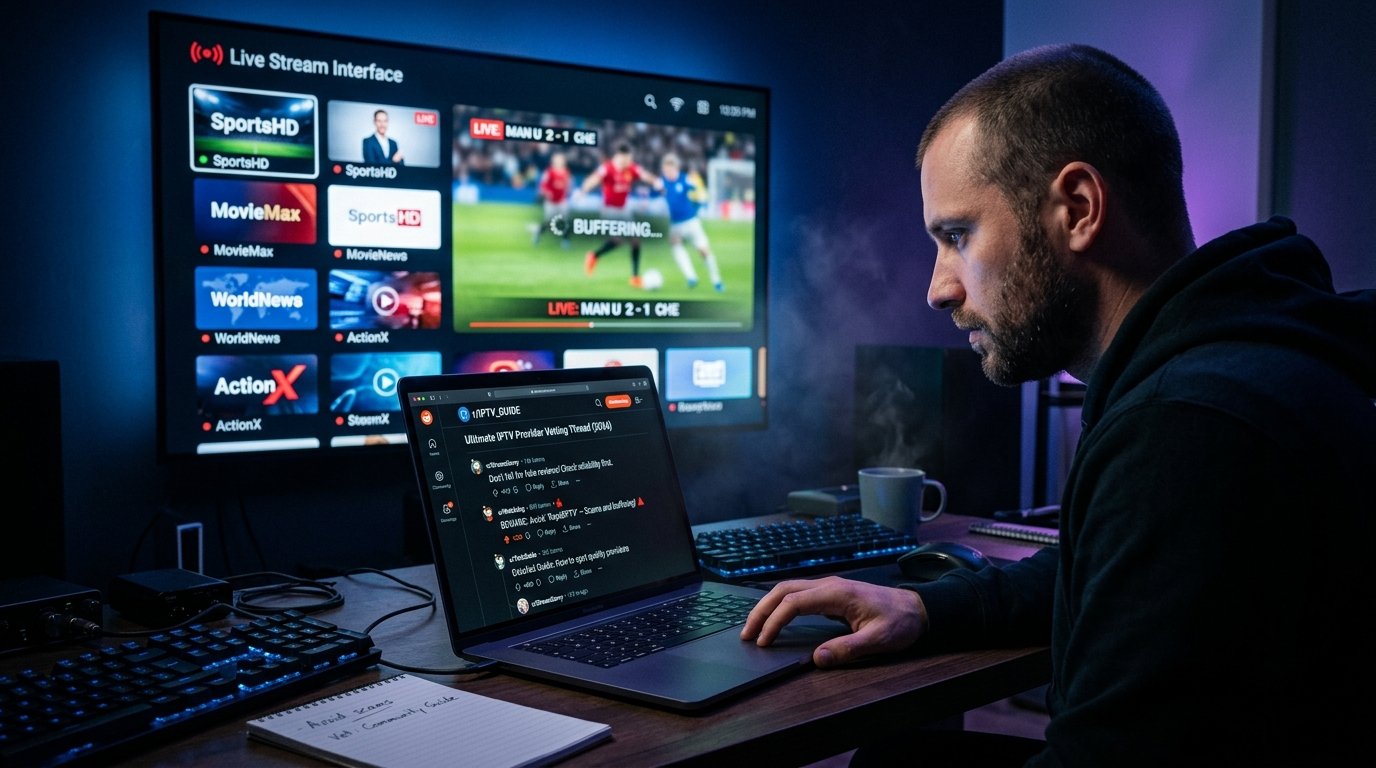
If your internet speed tests show strong results but buffering persists, your home Wi-Fi signal might simply be too weak. Moving your wireless router closer to the television or connecting the streaming device directly via an Ethernet cable solves the majority of playback stuttering. Additionally, regularly clearing the cache memory inside your streaming application prevents temporary files from slowing down device performance.
Resolving Electronic Program Guide Errors
Case Study: Beating ISP Throttling Take the real-world example of a subscriber named Mark, who experienced flawless daytime viewing but severe buffering every Sunday night. After contacting technical support, he realized his internet provider was intentionally slowing down his video traffic during peak weekend hours. By installing a lightweight VPN and routing his connection through a different state, his Eagle TV streams immediately returned to perfect, buffer-free HD quality.
What Do Users Say About the Service?
Community sentiment highlights the massive channel variety and reliable server uptime during major sporting events as the platform’s biggest strengths. While some novice users note a slight learning curve for the initial setup, the overall value proposition receives overwhelmingly positive feedback.
Before migrating to a brand-new television provider, it is incredibly smart to analyze feedback from actual long-term subscribers. According to various community opinions on IPTV providers, cord-cutters prioritize server stability above all other advertised platform features. The broader Eagle Television infrastructure frequently earns high praise for minimizing frustrating downtime when thousands of users tune into the exact same live broadcast.
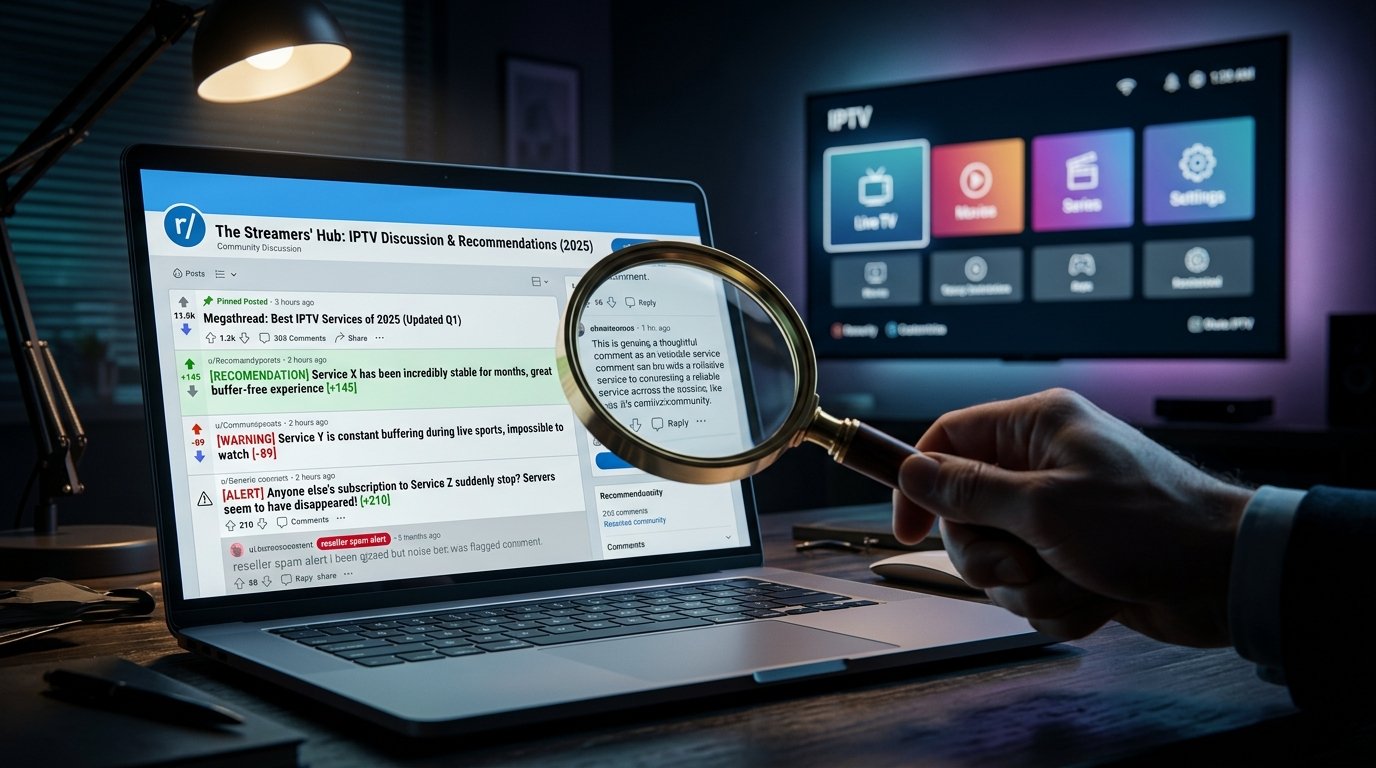
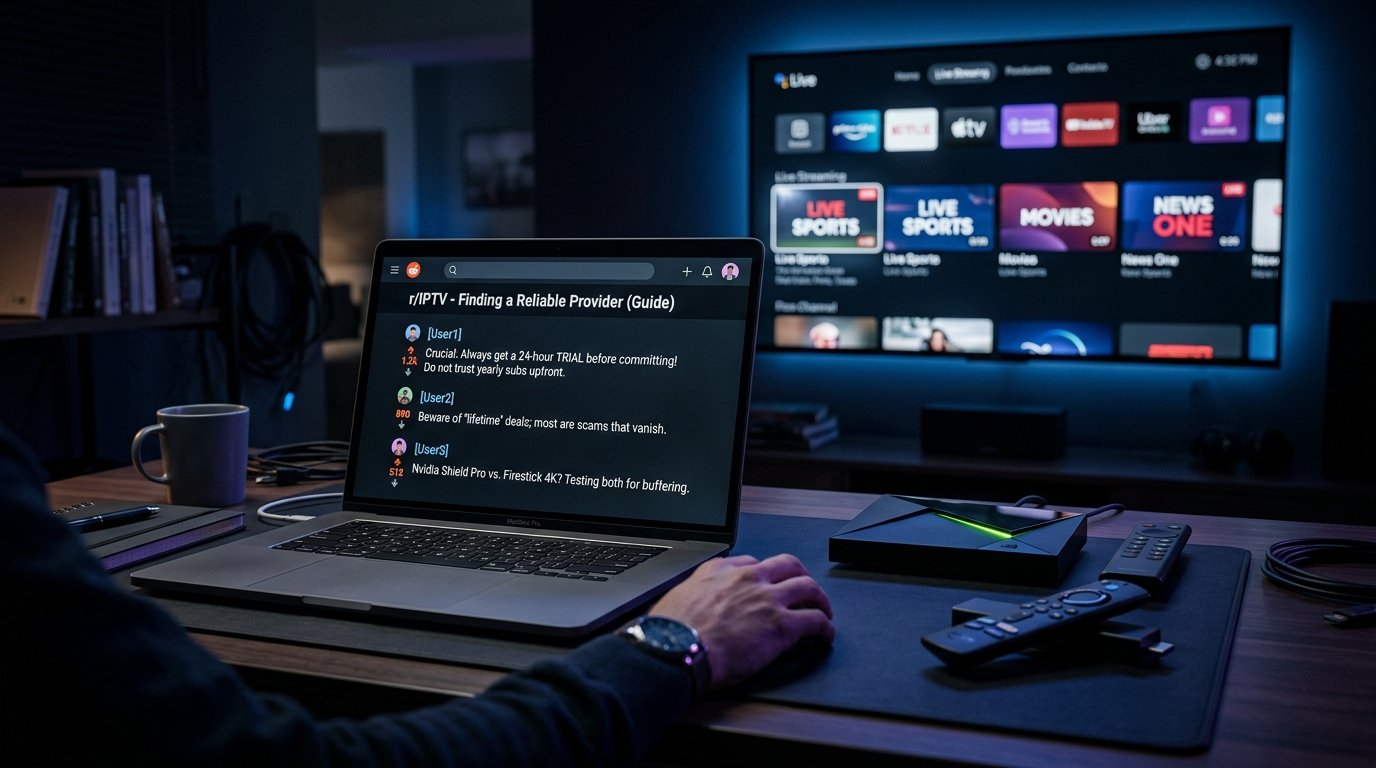
When reading through discussions on the highly active Reddit r/IPTV community, users commonly note that having responsive customer service makes a massive difference. You can easily browse extensive Reddit discussions to see how crucial prompt technical support is when switching between different smart devices. Fortunately, configuring your Eagle Cast IPTV account is remarkably straightforward once you grasp the underlying basics of how server links function.
Reddit Community Feedback
Reddit users often warn beginners against paying for massive yearly packages without first verifying the provider’s server stability during major pay-per-view events. The general community consensus shows that the EagleCast TV ecosystem consistently delivers on its promises regarding stream reliability. Enthusiasts frequently recommend investing a few extra dollars into a premium player app to maximize the visual interface of your new subscription.
Technical Support Experiences
Transitioning away from a physical cable box inevitably leads to a few minor technical questions during the first week. Users report that having access to dedicated setup tutorials and responsive email support drastically reduces the initial frustration of cord-cutting. Taking the time to read through official setup documentation prevents the most common login credential mistakes.
How Does It Compare to Traditional Cable?
Digital streaming offers vastly superior channel selection, including exclusive international broadcasts and on-demand movies, at a fraction of traditional cable prices. Furthermore, it completely eliminates the need for proprietary hardware rentals, long-term binding contracts, and geographical viewing restrictions.
The days of paying exorbitant monthly fees for a handful of local channels and basic commercial networks are rapidly ending. By switching to an Eagle Cast TV plan, viewers instantly unlock massive global media markets that local telecommunications providers simply do not carry. You can seamlessly switch between regional sports networks, European news stations, and massive video-on-demand movie libraries with a single click.
Hardware freedom remains another massive, undeniable advantage of utilizing internet-based broadcasting technologies over older coaxial cable lines. A single Eagle Cast IPTV subscription can often be configured across your main living room television, a bedroom Firestick, and your mobile phone while traveling. This incredible flexibility makes an Eagle Cast IPTV package infinitely more versatile than a heavy cable box physically tethered to one specific wall.
Analyzing the Financial Savings
When you calculate the mandatory broadcast TV fees, regional sports fees, and set-top box rental charges, standard cable bills often exceed $150 monthly. Digital streaming subscriptions strip away all of these arbitrary hardware and broadcasting taxes. Families can easily save over a thousand dollars annually while actually gaining access to a significantly wider variety of high-definition content.
Evaluating Hardware Flexibility
Cable companies require a technician visit to activate new rooms, often drilling holes and running unsightly wires along your baseboards. Modern streaming requires absolutely no physical installation beyond plugging a thumb-sized stick into an empty HDMI port. As long as you have a stable Wi-Fi connection, you can move your entertainment setup anywhere in the house instantly.
Ready to Transform Your Entertainment Experience?
Embracing modern streaming technology is the most effective way to upgrade your household entertainment while simultaneously reducing your monthly expenses. With a vast array of premium content and simple installation on modern devices, cord-cutting has never been more accessible or rewarding.
Making the final leap from traditional television broadcasting to internet streaming might seem slightly daunting at first glance. However, the immense financial and entertainment benefits heavily outweigh the brief initial learning curve of the setup process. Getting started with an Eagle Cast IPTV account puts you firmly back in control of exactly what you watch and how much you pay.
Taking the First Step
You no longer have to settle for mandatory broadcast fees, forced channel bundles, or endless commercial breaks on premium movie networks. Explore the main EagleCast TV portal today to thoroughly review the full list of available live channels and video-on-demand categories.
Embracing Global Media Access
With zero long-term binding commitments required, testing a trial Eagle Cast IPTV connection is entirely risk-free and highly recommended. Stop overpaying for outdated television delivery technology and start experiencing the limitless future of global digital entertainment today.
FAQ
What internet speed is required to stream smoothly? To enjoy a completely smooth, buffer-free experience with your Eagle Cast IPTV service, a minimum internet speed of 25 Mbps is highly recommended. If you plan to stream primarily in 4K resolution, or if multiple people are using the home network, 50 Mbps or higher is ideal.
Can I watch channels on multiple devices at once? Yes, depending on the specific connection package you purchase, you can stream Eagle Cast IPTV on multiple devices simultaneously. Ensure you review the connection limits on the official pricing page so you do not accidentally trigger a server ban for over-sharing your credentials.
Do I need a VPN to use this service? While not strictly mandatory, using a trusted VPN is strongly recommended when accessing any third-party streaming platform. A VPN prevents your internet service provider from throttling your connection speeds and adds a crucial layer of data encryption to your daily browsing.
What is the best media player app to use? For Amazon Firestick and Android TV users, TiviMate and IPTV Smarters Pro remain the two most highly recommended applications. Both offer incredibly clean user interfaces, reliable electronic program guides, and excellent multi-screen viewing capabilities.
Does the service include video-on-demand content? Yes, alongside thousands of live television channels, a standard subscription includes a massive library of video-on-demand (VOD) content. This typically features newly released movies, complete television series box sets, and dedicated children’s programming that you can watch anytime.