1. Understanding IPTV in the US Streaming Landscape
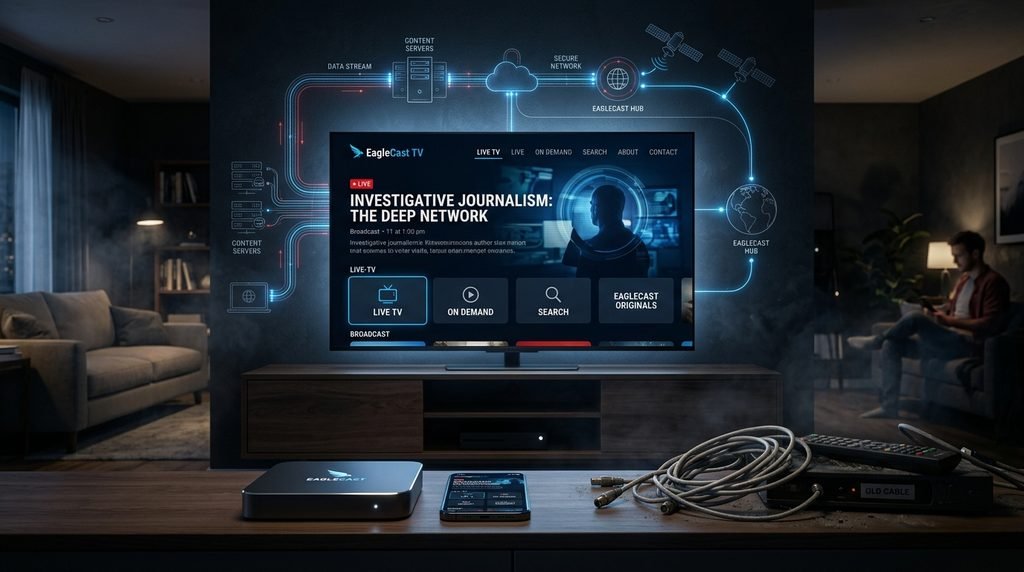
The American television distribution model has undergone a permanent shift over the past decade. Traditional cable networks and satellite television infrastructure-dominated for decades by regional monopolies and rising equipment rental fees—are increasingly being replaced by Internet Protocol Television (IPTV).
Unlike legacy broadcast delivery systems that rely on coaxial cables or satellite dishes pointing at specific orbital slots, IPTV uses standardized internet protocols (TCP/IP) to deliver live television streams and on-demand video packets directly to consumer devices.
+-----------------------------------------------------------------------+
|                       TRADITIONAL CABLE vs. IPTV                      |
+-----------------------------------------------------------------------+
| CABLE / SATELLITE                    IPTV DISTRIBUTION                |
| Coaxial / Satellite Dishes           High-Speed Internet (TCP/IP)     |
| Fixed Channel Packages               Dynamic Cloud Infrastructure     |
| Proprietary Hardware Rentals         Multi-Device (Firestick/Smart TV)|
| High Monthly Fees & Contracts        Flexible Month-to-Month Plans    |
+-----------------------------------------------------------------------+
a. How IPTV Works: Technical Architecture
At its core, IPTV converts video feeds into compressed data packets using advanced codecs such as H.264 (AVC) and H.265 (HEVC). When a user selects a channel on an IPTV application:
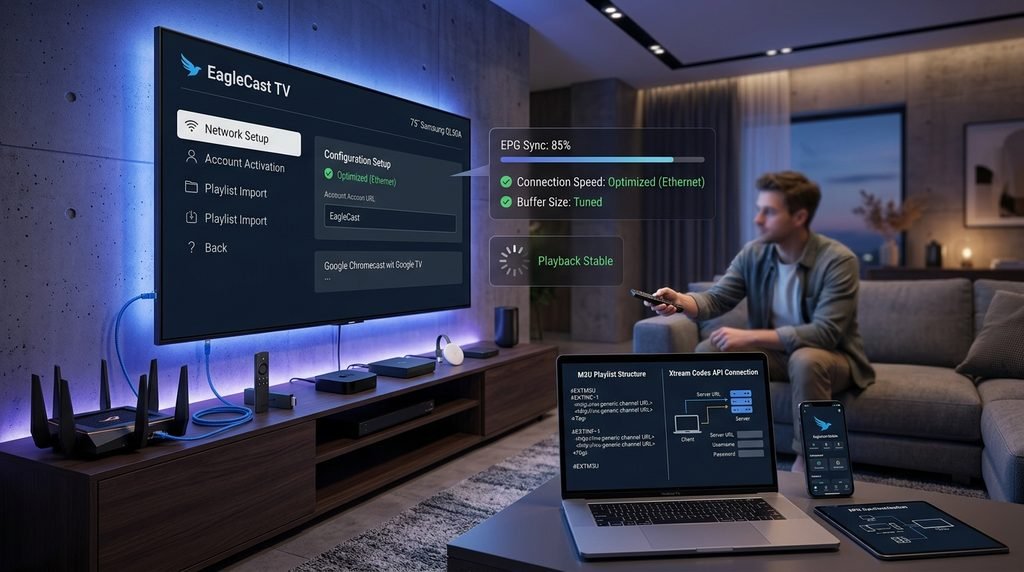
The client device sends a request over the local network via an M3U playlist link or Xtream Codes API.
The middleware server authenticates the session and routes the request to the nearest Content Delivery Network (CDN) edge server.
The video stream is packetized and unicast directly to the application buffer, ensuring low latency and reduced bandwidth consumption.
This architectural shift allows modern services like EagleCast TV to offer thousands of high-definition channels simultaneously without requiring specialized hardware installations or physical wiring.
b. US Cord-Cutting Trends & Cable Alternatives
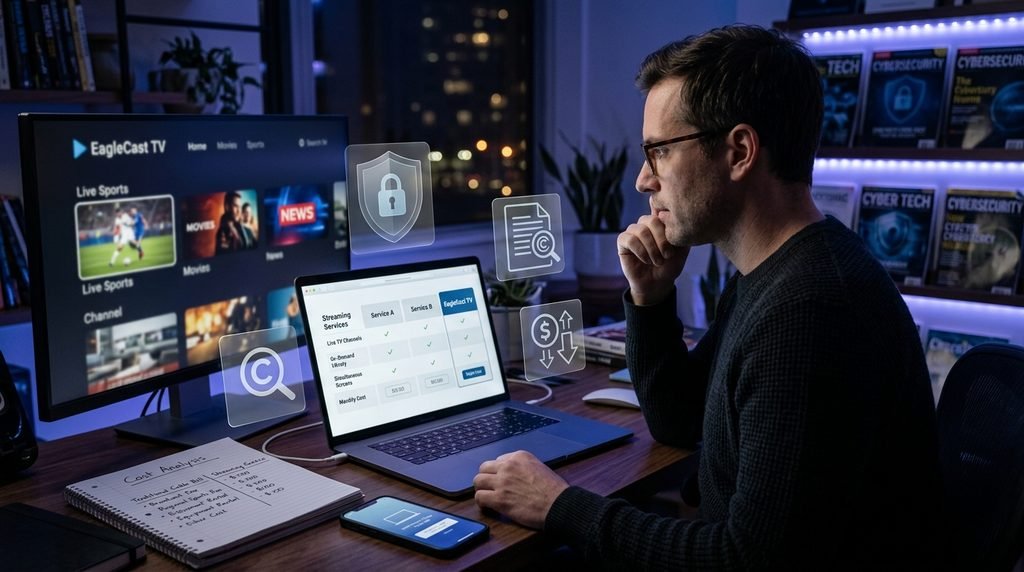
Data published by media statistical resources such as Statista highlights that tens of millions of American households have canceled traditional pay-TV subscriptions over the last five years. The average US household cable bill regularly exceeds $120 to $180 per month when accounting for regional sports surcharges, broadcast media fees, and HD set-top box rentals.
As a result, consumers are migrating toward modern streaming options. By combining high-speed fiber or broadband internet with an agile provider, cord-cutters can maintain access to local news, live sports, and national entertainment networks at a fraction of historic cable costs.
2. EagleCast TV Feature Breakdown & Performance
Evaluating an IPTV platform requires looking beyond marketing claims to examine server stability, channel diversity, and overall playback performance. The Eagle Cast TV brand has gained notable attention across North America by focusing on high infrastructure uptime and dedicated bandwidth allocations.
+-----------------------------------------------------------------------+
|                    EAGLECAST TV PERFORMANCE AT A GLANCE               |
+-----------------------------------------------------------------------+
| Live Channels        | 15,000+ (US Local, International, Sports)     |
| VOD Library          | 40,000+ Movies & TV Series (Updated Weekly)    |
| Resolution Standards | HD (720p), Full HD (1080p), 4K Ultra HD       |
| Electronic Program   | Integrated EPG with 7-Day Catch-Up Support    |
| Protocol Support     | Xtream Codes API, M3U URL, MAG Portal Stalker |
+-----------------------------------------------------------------------+
a. Infrastructure, Server Stability, and Video Quality
One of the primary frustrations for IPTV users in the United States is buffer throttling during high-profile live sporting events like the Super Bowl, NBA Finals, or UFC pay-per-views. Eagle TV mitigates bandwidth congestion through private load-balanced servers located in key North American data centers.
Key technical aspects include:
Anti-Freeze 10.0 Technology: Built-in server algorithms that dynamically adjust packet delivery sizes based on real-time internet conditions, reducing buffering loops during peak traffic hours.
4K & 1080p@60fps Streams: High frame-rate options for major sports networks (ESPN, FS1, CBS Sports) to ensure smooth motion tracking during fast-action broadcasts.
Guaranteed 99.9% Uptime: Redundant server clusters ensure that if a primary distribution node encounters high load, traffic automatically reroutes to a secondary CDN without dropping the stream connection.
b. Multi-Device Compatibility & App Support
Flexibility across screen types is a key consideration for modern households. The Eagle Television ecosystem supports virtually all major operating systems and IPTV player applications without requiring locked proprietary hardware.
3. Is EagleCast TV Legal and Legit in the United States?
Navigating the legal landscape of Internet Protocol Television in the United States can be confusing for prospective cord-cutters. Understanding the boundaries of federal copyright laws and consumer safety standards helps ensure a smooth, worry-free viewing experience.
+-----------------------------------------------------------------------+
|                    LEGAL & LEGITIMACY EVALUATION                      |
+-----------------------------------------------------------------------+
| Legal Standard    | US Copyright Act & Digital Millennium Copyright   |
|                   | Act (DMCA) compliance principles.                |
| Service Integrity | Transparent portal, responsive customer support,  |
|                   | and encrypted billing systems.                    |
| Best Practices    | Always use secure networks and verify provider    |
|                   | operational standards.                            |
+-----------------------------------------------------------------------+
a. Dissecting Service Legitimacy & Security Standards
When consumers ask is it trustworthy, they are typically evaluating two core issues: service reliability and transactional security. A reliable platform maintains transparent operational channels, active customer helpdesks, and secure checkout portals protected by SSL/TLS encryption.
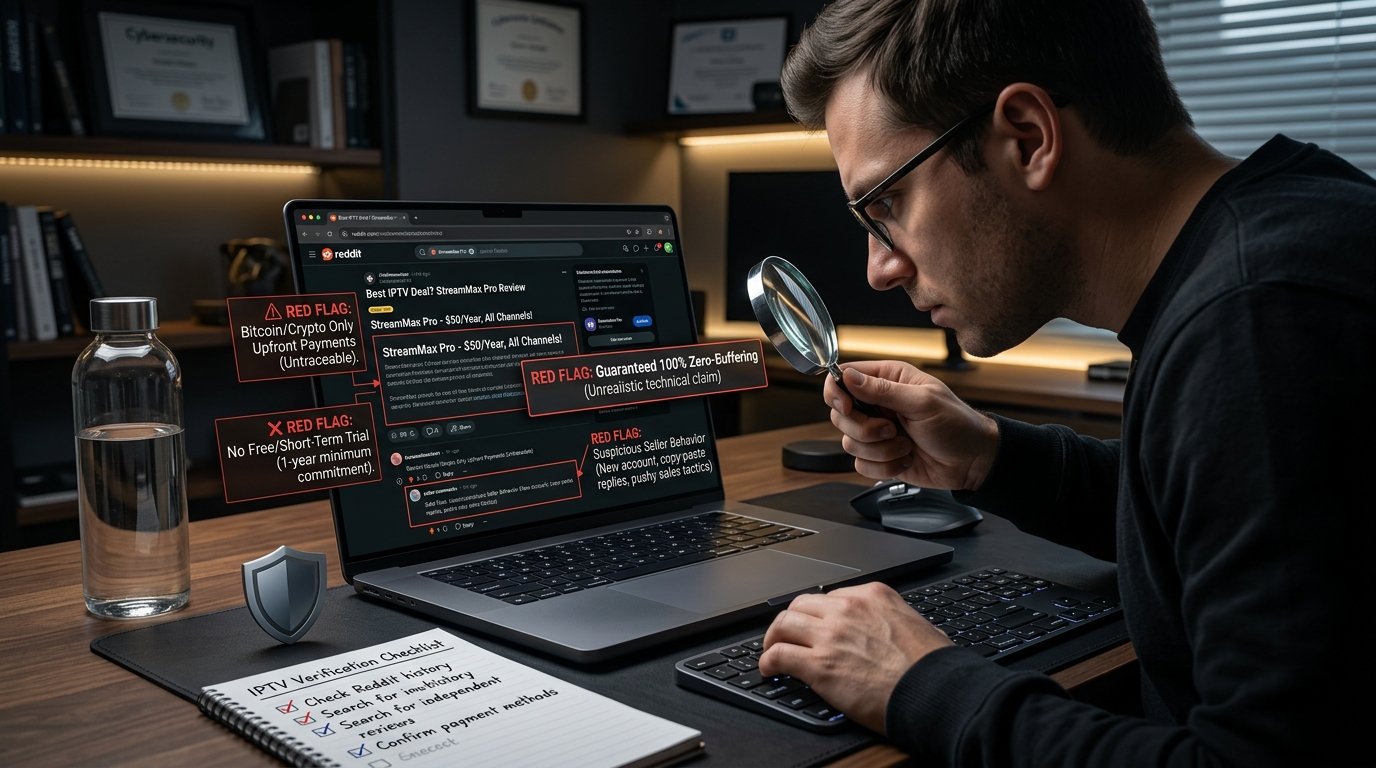
Unlike low-quality popup sites that disappear after taking payment, reputable platforms invest heavily in server infrastructure, active service portals, and responsive support channels. Reviewing dedicated guides regarding service legitimacy helps users distinguish between long-term operational providers and temporary reseller networks.
b. Copyright Regulations and Safe Streaming Practices
From a legal standpoint, standard media delivery laws apply across the United States. Prospective users frequently inquire whether is it legal to use IPTV technology within North America.
Key legal and operational distinctions:
Technology Legality: The core underlying technology—IPTV protocols, M3U playlist format, and streaming applications like Tivimate or IPTV Smarters—is 100% legal under United States law.
Content Licensing: The legality of specific channel delivery depends on broadcast licensing agreements. End-users in the US should always review relevant regulations detailed in comprehensive breakdowns on IPTV legality.
Privacy & Network Security: To protect personal data from internet service provider (ISP) monitoring or selective bandwidth throttling, technical experts and privacy advocates generally recommend pairing live streaming platforms with a reputable Virtual Private Network (VPN).
4. EagleCast TV Pricing, Plans, and Free Trial Options
One of the main reasons US consumers leave traditional cable platforms is the lack of transparent pricing. Hidden equipment fees, regional sports surcharges, and mandatory multi-year contracts frequently inflate monthly bills far beyond advertised promo rates.
a. Comprehensive Cost Comparison vs. Cable & Satellite
When reviewing current IPTV pricing, cord-cutters can choose flexible billing terms ranging from single-month arrangements to cost-effective annual packages. Evaluating transparent IPTV plans allows consumers to tailor connection limits based on family size and household hardware needs.
           +-------------------------------------------------+
           |        Typical Annual Savings Breakdown         |
           +-------------------------------------------------+
           | Standard US Cable Package: ~$1,800 / year       |
           | Premium IPTV Subscription: ~$120 - $180 / year   |
           | ----------------------------------------------- |
           | AVERAGE SAVINGS: $1,600+ PER YEAR               |
           +-------------------------------------------------+
By exploring the best IPTV deals, viewers can unlock thousands of channels across multiple home television screens while completely eliminating set-top box rental expenses.
b. Testing the Service Risk-Free
Committing to a long-term media plan without checking stream quality on your home network can be risky. Reputable platforms encourage prospective users to test the service risk-free before making a long-term financial decision.
When initiating a trial:
Verify channel load speeds across your primary sports and regional channels.
Check Electronic Program Guide (EPG) populating rates on your preferred app.
Test stream stability during peak US evening viewing hours (7:00 PM – 11:00 PM EST).
Once satisfied with network stability, viewers can proceed with subscribing to a plan that fits their streaming habits.
5. What Reddit Communities Say About EagleCast TV
Online cord-cutting communities on platforms like Reddit offer unfiltered real-world feedback regarding IPTV providers, app compatibility, and server reliability. Communities like r/IPTV frequently debate provider performance under real-world residential internet conditions.
+-----------------------------------------------------------------------+
|                   REDDIT COMMUNITY SENTIMENT MATRIX                   |
+-----------------------------------------------------------------------+
| TOPIC                  | COMMUNITY CONSENSUS SUMMARY                  |
+------------------------+----------------------------------------------+
| ISP Throttling         | Reddit users consistently report that major   |
|                        | US ISPs throttle IPTV traffic during peak    |
|                        | sporting events; VPN usage is highly advised.|
| Player Preference      | Tivimate (Android/Firestick) and IPTV        |
|                        | Smarters Pro (iOS) are preferred over stock. |
| Hardwired Connections  | Ethernet connections are strongly favored    |
|                        | over 2.4GHz Wi-Fi for consistent 4K stream.  |
+------------------------+----------------------------------------------+
a. Synthesized Community Feedback and Consensus
When analyzing synthesized feedback across cord-cutting subreddits, several clear trends emerge regarding modern IPTV usage:
Dissatisfaction with Cable Price Increases: Reddit users frequently highlight annual cable rate increases as their primary motivation for researching alternatives.
Valuing EPG & Catch-Up Features: Broadcasters who provide complete, working Electronic Program Guides and multi-day catch-up features receive significantly higher ratings from power users.
Preference for Xtream Codes Integration: Community members generally prefer providers that offer direct Xtream Codes API login credentials rather than forced, heavily branded custom APKs, as this allows them to use premium third-party players like Tivimate.
b. Real-World Performance & Buffer Mitigation Insights
Reddit users in streaming-focused subreddits frequently note that buffering issues are rarely caused by the provider’s servers alone. Instead, local network interference, outdated Wi-Fi routers, or aggressive ISP throttling are often the main culprits. Community recommendations consistently emphasize hardwiring media devices via Ethernet cables and changing default DNS settings (e.g., switching to Cloudflare 1.1.1.1 or Google 8.8.8.8) to maintain stable bandwidth connections.
6. Step-by-Step Installation & Setup Guide
Setting up your service is straightforward and can usually be completed in under 10 minutes on most modern streaming hardware.
+-----------------------------------------------------------------------+
|                    QUICK SETUP FLOW (FIRESTICK / ANDROID)             |
+-----------------------------------------------------------------------+
| [STEP 1]  Enable "Apps from Unknown Sources" in Device Settings.      |
| [STEP 2]  Install the "Downloader" App from the Amazon/Google Store.  |
| [STEP 3]  Download & Install Your Preferred IPTV Player (e.g.,        |
|           Tivimate or IPTV Smarters Pro).                             |
| [STEP 4]  Enter Xtream Codes Credentials (Server URL, Username,       |
|           Password) Sent via Email.                                   |
| [STEP 5]  Allow EPG Data to Load & Enjoy Live Streaming!              |
+-----------------------------------------------------------------------+
a. Amazon Firestick & Android TV Installation
Because Amazon Fire TV and Android TV operate on modified Android platforms, they are the most popular devices for IPTV streaming in North America. Refer to official Amazon Fire TV documentation if you need assistance locating system menu options.
Follow these step-by-step instructions:
Prepare Device Settings:
Navigate to Settings > My Fire TV (or Device Preferences on Android TV).
Select Developer Options. (Note: If Developer Options is hidden on newer Fire OS builds, go to About and click your device name 7 times).
Toggle Apps from Unknown Sources to ON.
Install Downloader Application:
Return to the home screen search bar, type Downloader, and install the orange application icon.
Open Downloader and grant necessary storage access permissions.
Install IPTV Player App:
Enter the direct download URL or short code for your preferred player application (e.g., Tivimate, IPTV Smarters Pro, or XCIPTV).
Click Install once the APK package finishes downloading.
Authenticate Account:
Launch the installed player application.
Select Login with Xtream Codes API.
Enter the Server URL, Username, and Password provided after completing your plan sign-up.
Click Add User to import channels and VOD playlists.
b. Smart TVs, Apple TV, and Mobile Setup
For users who prefer not to use external streaming sticks:
Apple TV (tvOS) & iOS: Download IPTV Smarters Pro, GSE Smart IPTV, or Snappy IPTV directly from the Apple App Store. Open the application, choose Xtream Codes Login, enter your credentials, and begin streaming immediately.
Samsung (Tizen OS) & LG (webOS): Search the built-in app store for players like IBO Player, Smart ONE IPTV, or SS IPTV. Once installed, register the device’s MAC address on the player’s portal and upload your playlist M3U link.
Even premium services can occasionally encounter technical hiccups due to external internet routing issues or hardware constraints. Use this structured matrix to resolve common playback problems quickly.
+-----------------------------------------------------------------------------------+
|                           TROUBLESHOOTING MATRIX                                  |
+-----------------------------------------------------------------------------------+
| ISSUE                | POSSIBLE CAUSE             | RECOMMENDED RESOLUTION        |
+----------------------+----------------------------+-------------------------------+
| Frequent Buffering   | ISP Throttling or Low      | Connect VPN (US Server);      |
| / Stream Freezing    | Local Wi-Fi Bandwidth.     | switch to 5GHz or Ethernet.   |
+----------------------+----------------------------+-------------------------------+
| EPG Guide Showing    | Time Zone Mismatch or      | Adjust EPG offset in settings;|
| "No Information"     | Outdated Cache Data.       | manually force EPG update.    |
+----------------------+----------------------------+-------------------------------+
| "Check Credentials"  | Typo in Username/Password  | Re-enter details; check case  |
| Login Error          | or Expired Subscription.   | sensitivity and trailing spaces|
+----------------------+----------------------------+-------------------------------+
| Audio Out of Sync    | Hardware Acceleration      | Switch decoder from Hardware  |
| with Video Stream    | Mismatch in Player App.    | (HW) to Software (SW) mode.   |
+----------------------+----------------------------+-------------------------------+
a. Resolving Buffering, Lag, and Stream Freezes
If you experience buffering during live broadcasts, work through these diagnostic steps:
Perform a Real Network Speed Test: Open a browser on your streaming device and test your connection speed. IPTV streaming requires at least 25 Mbps for stable 1080p feeds and 50+ Mbps for uncompressed 4K content.
Clear Application Cache:
Go to Settings > Applications > Manage Installed Applications.
Select your IPTV player app, click Clear Cache, and restart the app.
Switch Stream Format: Within player settings (such as Tivimate or Smarters), change the stream output format from TS (MPEG-TS) to HLS (m3u8). HLS format adapts better to fluctuating Wi-Fi connection speeds.
b. ISP Throttling, VPNs, and EPG Synchronization
Major US internet service providers often employ automated traffic management algorithms that detect high-volume UDP/RTP streaming video protocols, intentionally throttling bandwidth speeds during major evening sporting events.
Activate a Reliable VPN: Connect to a server in a nearby US city (e.g., New York, Chicago, Dallas, or Los Angeles). Encrypting your connection prevents your ISP from inspecting video packet data, bypassing selective bandwidth throttling.
Fix EPG Data Sync: If channel listings show incorrect showtimes or blank entries, navigate to your player’s EPG settings menu, select Clear EPG, and click Update EPG Data. Ensure your device system time matches your local time zone.
8. Real-World Case Study: US Household Cord-Cutting Transformation
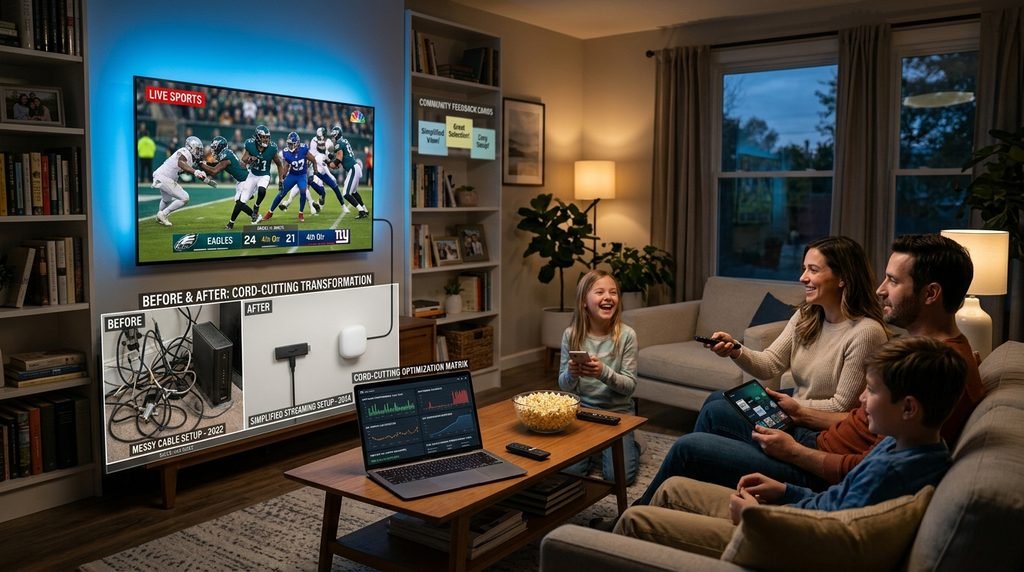
To demonstrate how making the switch impacts a real household, let’s examine a typical cord-cutting scenario for an American family.
+-----------------------------------------------------------------------+
|                  CASE STUDY: THE MILLER HOUSEHOLD (DALLAS, TX)        |
+-----------------------------------------------------------------------+
| PREVIOUS SETUP:                                                       |
| • Traditional Cable TV Package + 3 Box Rentals: $178.50 / month       |
| • Frequent Surcharges for Regional Sports & HD Access                 |
|                                                                       |
| IMPLEMENTED SOLUTION:                                                 |
| • Upgraded Home Network to 300 Mbps Fiber Broadband                   |
| • Added Amazon Fire TV Stick 4K Devices to 3 Televisions              |
| • Activated Premium Multi-Room IPTV Subscription                      |
|                                                                       |
| FINANCIAL & FUNCTIONAL RESULTS:                                       |
| • Monthly TV Expense Reduced from $178.50 to ~$15.00/month            |
| • Total Annual Household Savings: $1,962.00                           |
| • Added Access to International Broadcasts & Expanded VOD Catalog     |
+-----------------------------------------------------------------------+
a. Background and Cord-Cutting Challenges
The Miller family, residing in Dallas, Texas, was paying $178.50 monthly for a legacy cable package across three home televisions. Despite the high bill, they lacked access to out-of-market regional games and were frequently frustrated by mandatory set-top box equipment fees. They wanted an economical solution that maintained simple channel navigation for their children while providing high-definition sports access for adult family members.
b. Solution, Implementation, and Final Results
The family decided to transition completely away from cable by following a systematic approach:
Hardware Update: They purchased three Amazon Fire TV Stick 4K units during a seasonal sale, replacing their rented cable set-top boxes.
Trial & Setup: After choosing to subscribe to IPTV, they configured Tivimate across all devices using Xtream Codes credentials, setting up synchronized favorite lists for news, sports, and kids’ programming.
Network Optimization: They connected the main living room streaming device via an Ethernet adapter to ensure zero buffering during 4K sports events.
Outcome: The family successfully canceled their legacy cable subscription, reducing their monthly home entertainment bill by over $160 per month. They achieved full household coverage, expanded their live sports access, and maintained simple one-click remote navigation for the whole family.
9. Frequently Asked Questions (FAQ)
1. What internet speed do I need for IPTV streaming in the US?
For a smooth experience without buffering, we recommend a minimum download speed of 25 Mbps for 1080p Full HD streams and 50 Mbps or higher for uncompressed 4K content. If multiple household members are streaming or gaming simultaneously, a 100+ Mbps connection is ideal.
2. Can I use my subscription on multiple devices at the same time?
Yes. Depending on the plan selected during checkout, subscriptions support single or multi-connection setups. Multi-room accounts allow you to stream different channels simultaneously on separate TVs, mobile phones, or tablets under one subscription account.
3. Do I need a set-top box to use EagleCast TV?
No custom hardware is required. The service works seamlessly on existing devices you already own, including Amazon Firestick, Android TV boxes, Apple TV, smart phones, tablets, and Smart TVs running Android, LG webOS, or Samsung Tizen OS.
4. Why are some local channels or sports streams buffering?
Buffering is most commonly caused by temporary local Wi-Fi congestion or selective bandwidth throttling by your internet service provider (ISP) during high-traffic sports events. Connecting your device via an Ethernet cable and using a secure VPN almost always eliminates these performance drops.
5. How quickly will I receive my login credentials after ordering?
Login details (including Server URL, Username, and Password) are typically sent to your registered email address automatically within 5 to 15 minutes following completed payment verification. Be sure to check your spam or junk folder if the confirmation email doesn’t appear in your main inbox promptly.
6. What is the difference between M3U links and Xtream Codes API?
An M3U link is a direct playlist URL containing channel addresses, while Xtream Codes API is a structured login system requiring a Server URL, Username, and Password. Xtream Codes API is widely preferred because it populates channel categories and Electronic Program Guide (EPG) data much faster and more reliably in apps like Tivimate and IPTV Smarters.