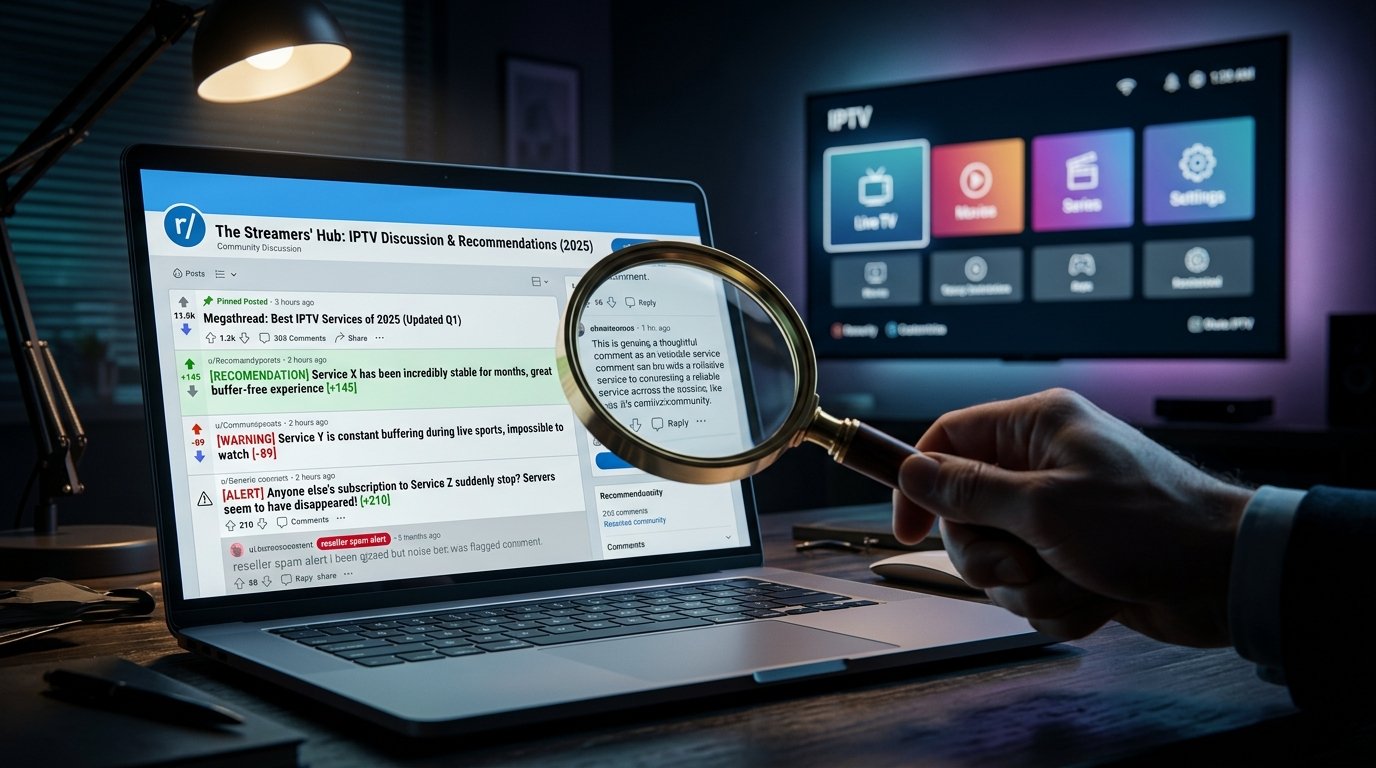
What do Reddit users say about finding a reliable IPTV provider?
Eaglecasttv: Reddit users universally agree that a reliable streaming provider must offer a 24-hour trial, prioritize server uptime over massive channel counts, and support popular apps like TiviMate. They strongly advise against annual commitments until the service has been thoroughly tested during peak weekend sports events.
The Golden Rule: Test Before You Commit
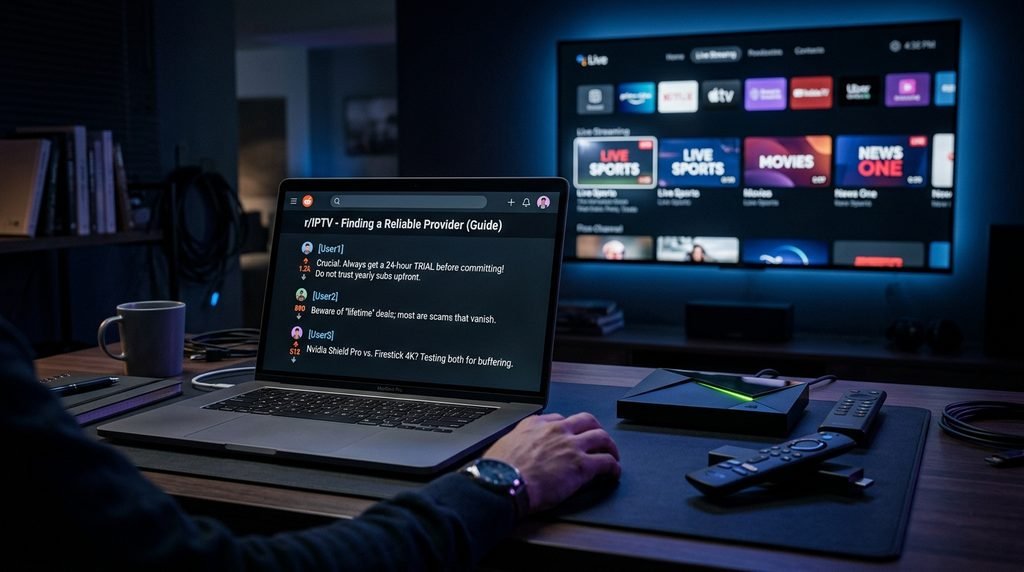
Navigating community opinions on IPTV providers reveals one absolute consensus among experienced cord-cutters. You should never buy a 12-month subscription blindly based on a flashy website or promises of unlimited channels. Instead, always request a short test period to evaluate the actual server performance on your specific home network.
During this trial period, you need to test the service under heavy load to gauge real-world stability. Watch a live weekend sports event to see if the frames drop or the audio desyncs from the video feed. A general IPTV service might run perfectly on a quiet Tuesday morning but completely collapse during a major UFC pay-per-view broadcast [1].
Experienced Reddit users also recommend checking how quickly the electronic program guide populates. If the menu takes minutes to load or displays incorrect scheduling, the backend infrastructure is likely neglected. Test how fast the channels switch, as anything longer than three seconds indicates a severely overloaded server network.
Hardware Matters: Why Reddit Prefers Nvidia Shield and Firestick 4K
Your choice of streaming device heavily impacts the quality of your live television playback. Processing a massive playlist featuring tens of thousands of channels requires serious hardware memory and robust processing power. Older smart televisions simply lack the internal CPU capacity to handle these intensive data streams efficiently.
This is exactly why technology communities constantly recommend purchasing an Nvidia Shield Pro or the Amazon Firestick 4K Max. These specific devices boast superior Wi-Fi antennas and fast processors capable of decoding heavy 4K video feeds without breaking a sweat. An investment in good hardware eliminates the user interface lag that frustrates so many beginners.
If you are currently experiencing menu sluggishness, an upgrade to a dedicated streaming stick is the best immediate solution. Relying on an outdated smart TV operating system will throttle your viewing experience regardless of your fast home internet connection.
Key Takeaway: Never lock into a long-term contract without testing the service during peak weekend hours on high-quality streaming hardware.
How to spot an IPTV scam according to Reddit communities
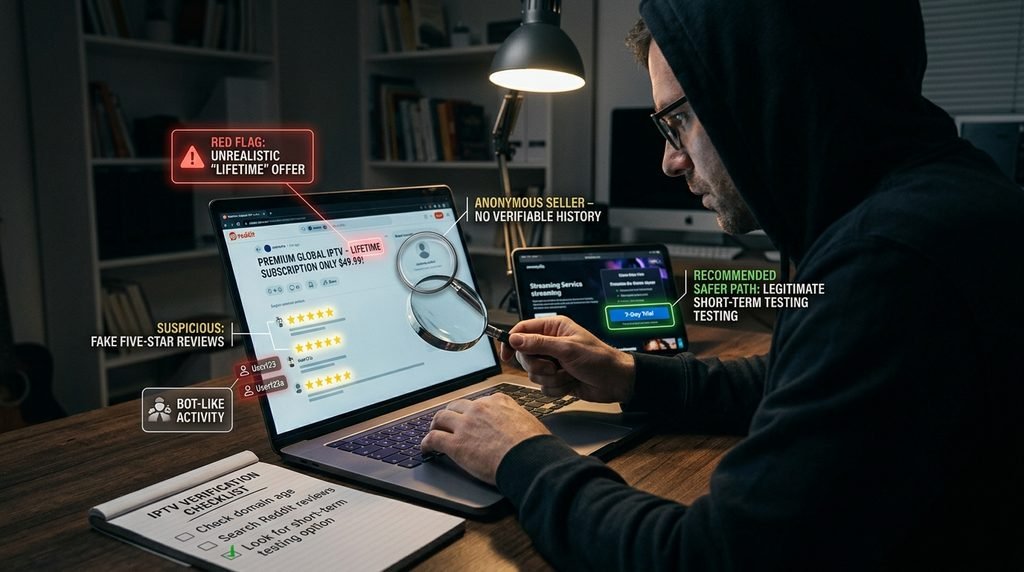
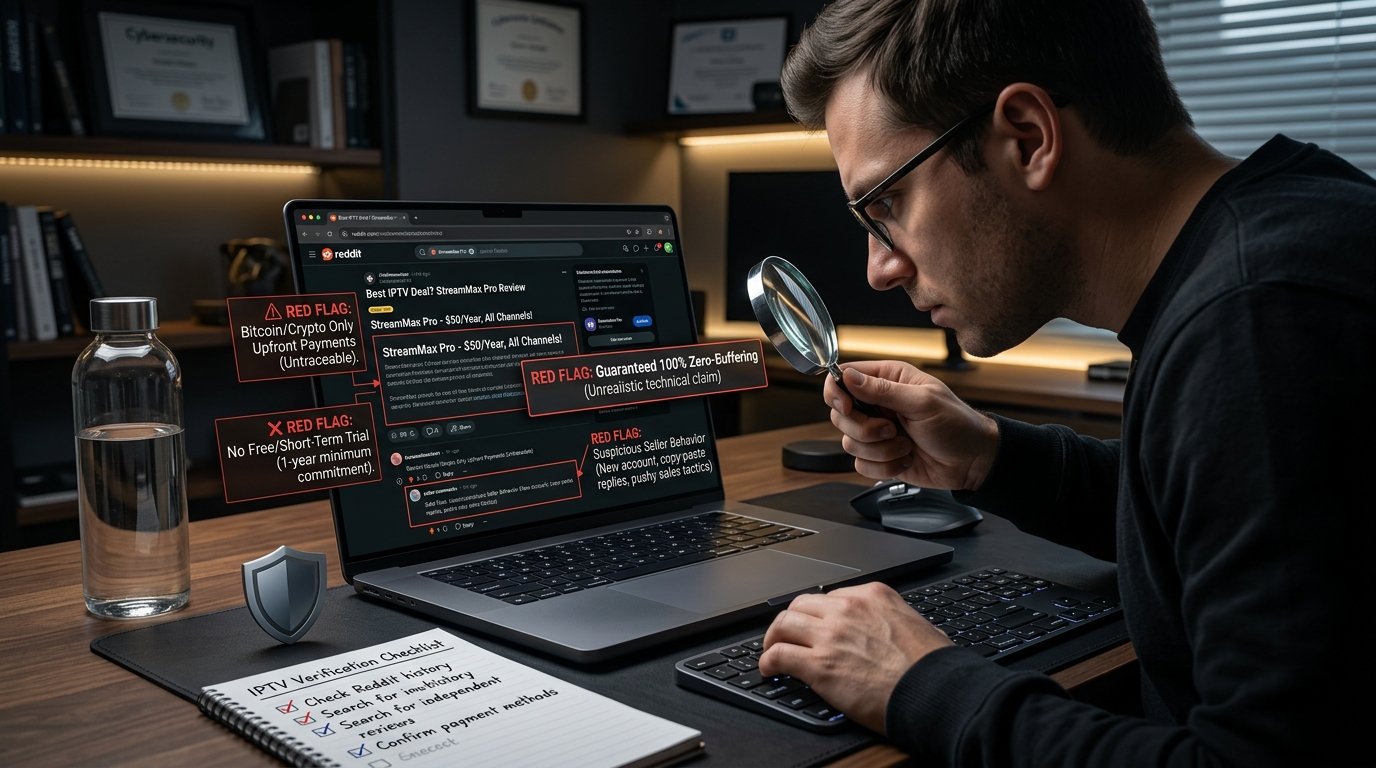
You can spot a streaming scam on Reddit by looking for providers demanding cryptocurrency-only payments, offering unrealistic lifetime subscriptions, and utilizing newly created bot accounts. Scammers frequently spam fake positive reviews across multiple subreddits to trap unsuspecting beginners.
Avoid “Lifetime” Subscriptions
The most notorious financial trap in the streaming industry is the promise of lifetime access for a single flat fee. These absurd offers mathematically cannot sustain the massive server costs required to broadcast high-definition video globally. Providers selling these packages inevitably shut down their servers within a few months and disappear completely with your money.
Once they vanish, these bad actors quickly rebrand under a new name and repeat the cycle to trap new victims. Always stick to monthly or yearly IPTV plans that align with realistic business operating costs. A legitimate digital business needs recurring monthly revenue to maintain high-quality streaming infrastructure.
Furthermore, legitimate providers offer standard payment gateways rather than forcing unrecoverable Bitcoin transfers. If a seller refuses to accept basic credit cards or secure third-party payment processors, consider it a massive red flag.
Spotting Fake Reviews and Bot Accounts
Browsing forums for recommendations requires a highly skeptical eye toward suspiciously glowing reviews that lack technical detail. Scammers frequently deploy automated bots to flood discussion threads with links to their unstable services. These accounts usually lack a natural posting history and exclusively comment on television-related topics.
To verify is it trustworthy, click on the username of the person recommending the service and investigate their profile. A genuine user will have a diverse post history spanning various unrelated topics and communities over several years. If an account was created two days ago and only posts promotional links, ignore their advice entirely.
You can also look for users who openly discuss minor flaws or troubleshooting steps alongside their praise. Authentic recommendations sound like real people dealing with minor technical quirks, whereas bot reviews sound like heavily sanitized marketing brochures.
Key Takeaway: Protect your wallet by avoiding lifetime subscriptions and verifying the post history of any Reddit user recommending a service.
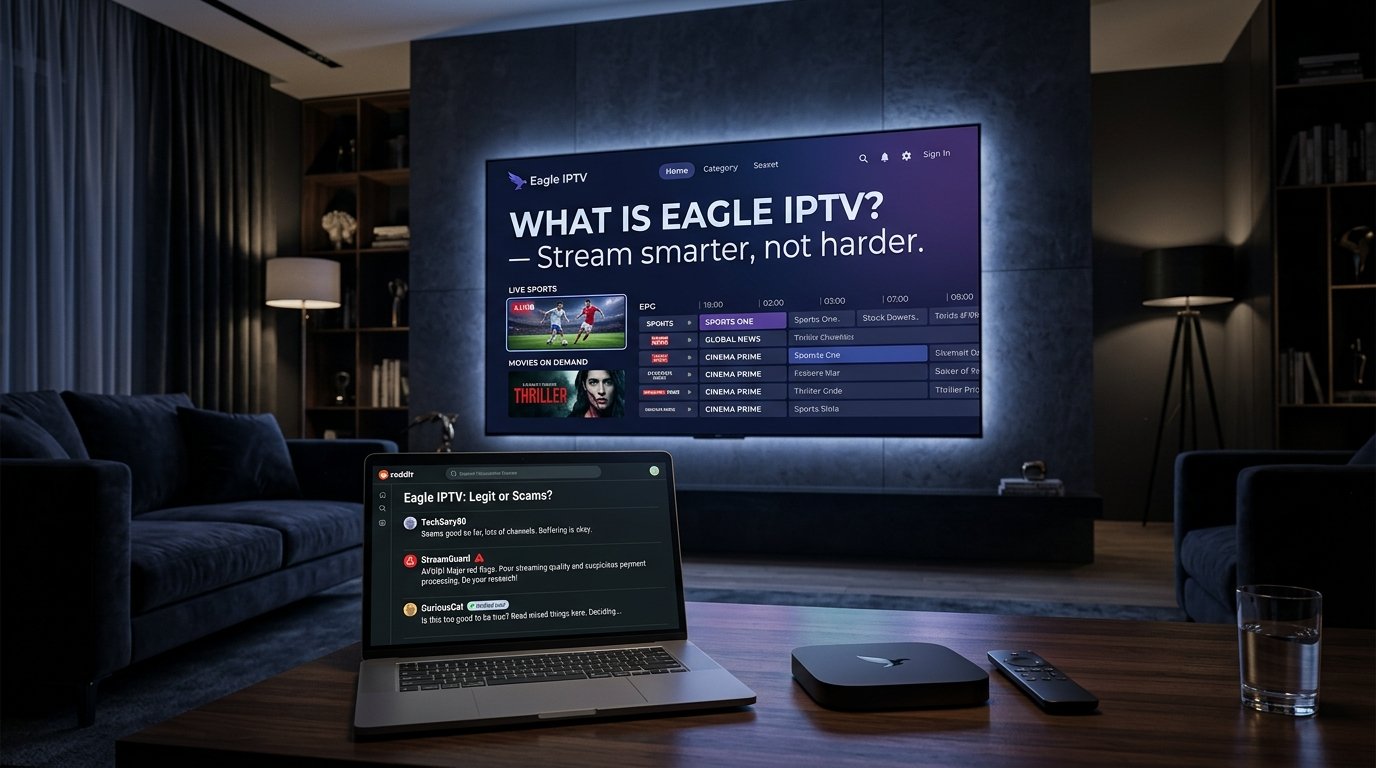
Is eaglecasttv a legit IPTV provider?
Yes, verified users consider this service highly legitimate due to its massive library of over 20,000 live channels, extensive VOD selection, and transparent trial policies. It utilizes advanced anti-freeze technology to ensure a highly stable viewing experience during peak global traffic hours.
Channel Lineup and EPG Accuracy
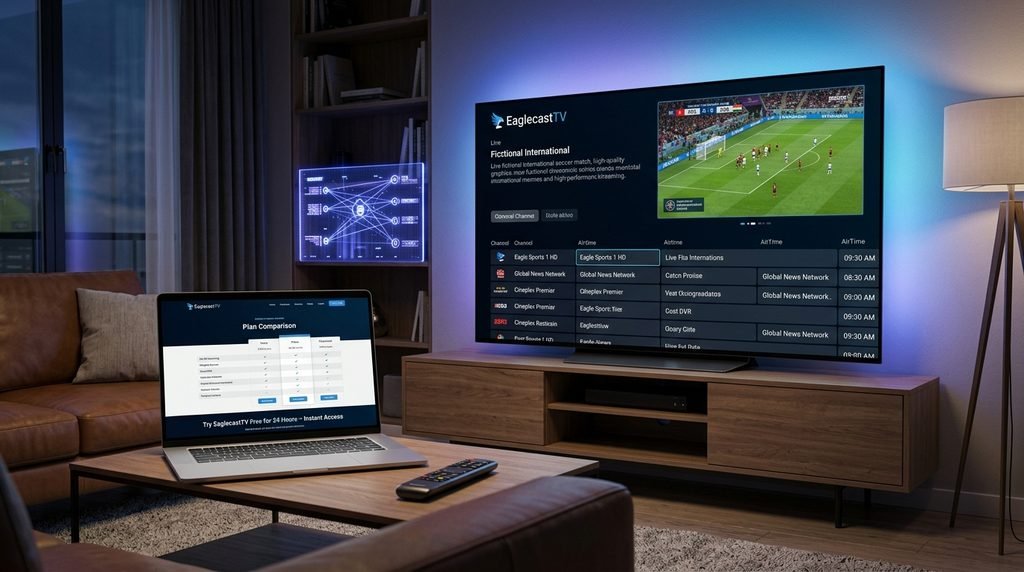
When evaluating channel lineups, eaglecasttv organizes its extensive categories meticulously. Rather than dumping thousands of disorganized links into a single folder, the playlist categorizes networks by country, genre, and specific sports leagues. This structural clarity makes finding a specific local news station incredibly fast and intuitive.
Furthermore, EagleCast TV maintains an incredibly accurate electronic program guide that updates seamlessly in the background. You will never have to guess what program is currently airing or what movie is scheduled next. The synchronization between the visual menu and the backend server is virtually flawless.
This level of organization proves that a dedicated technical team actively maintains the platform daily. Broken links are swiftly replaced, and seasonal sporting event folders automatically appear right before major weekend tournaments begin.
Uptime, Anti-Freeze Technology, and Server Stability
Server stability is where eaglecasttv truly shines during high-traffic peak events. Many budget services buckle under the pressure when millions of viewers tune into a high-stakes Premier League match simultaneously. This sophisticated infrastructure utilizes advanced load-balancing algorithms to distribute user traffic across multiple global servers.
By dynamically routing your connection, the system actively prevents the dreaded buffering wheel from interrupting a crucial touchdown. Eagle Cast TV invests heavily in premium bandwidth, which directly translates to crisp 4K resolution without sudden quality drops.
As an example, during a recent highly anticipated boxing match, budget servers crashed entirely across the globe. Users on premium, load-balanced networks experienced zero interruptions because the server dynamically shifted their connection to a less congested node.
Key Takeaway: Legitimate providers justify their reputation through flawless category organization and server architecture built to handle massive weekend traffic spikes.
How much does eaglecasttv cost per month?
The service offers highly competitive pricing, starting at roughly $15 for a single month, with significant discounts applied to the multi-month packages. The annual plan drops the effective monthly cost down to approximately $6, maximizing your overall household entertainment value.
Short-Term vs. Long-Term Subscriptions
You might be wondering if eaglecasttv provides good value compared to traditional cable. Switching to modern IPTV pricing structures immediately saves the average household over a thousand dollars annually. The flexibility to choose a short-term commitment gives you complete financial control over your entertainment budget.
If you are new to the platform, starting with a 1-month or 3-month package is a smart risk-management strategy. Once you verify the streaming quality on your specific home network, upgrading to the 12-month tier unlocks the steepest discounts. This long-term tier is exactly how veteran cord-cutters achieve maximum financial savings year after year.
Avoid locking yourself into an annual deal on day one, regardless of how enticing the price drop appears. Protect your investment by treating the first paid month as an extended evaluation period.
How to Claim the 24-Hour Free Trial
Claiming your trial with eaglecasttv requires zero risk and no credit card upfront. Simply visit their official website and navigate to the trial section to request your temporary credentials. The automated system usually delivers your M3U link and Xtream Codes login details straight to your email inbox within minutes.
This free trial allows you to test the channel switching speed and verify local sports availability. We strongly suggest requesting your test credentials on a weekend so you can monitor server performance during the busiest broadcasting hours.
If you request a trial on a quiet Monday morning, you are not accurately testing the network’s capacity limits. A true stress test requires watching demanding 4K sports streams when network congestion is at its absolute highest.
Key Takeaway: Start with a zero-risk 24-hour trial on a weekend, upgrade to a one-month plan, and only commit annually once performance is proven.
How do I install an IPTV service on a Firestick or Smart TV?
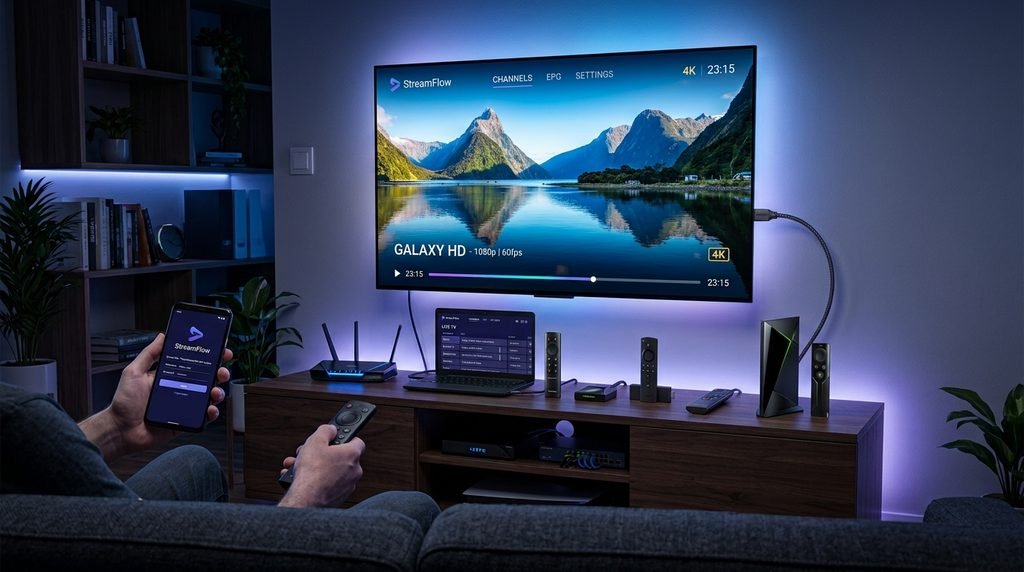
You can install a streaming app by enabling developer options on your Firestick, downloading the Downloader app, and sideloading a verified player like TiviMate. Once installed, simply input your provider’s Xtream Codes API login credentials to load your customized channel playlist.
Installing via Downloader on Amazon Firestick
The Amazon ecosystem restricts many third-party streaming apps from appearing in its official app store. To bypass this restriction, navigate to your device settings, select “My Fire TV,” and enable “Apps from Unknown Sources” under developer options. If you cannot find this menu, the official Amazon Device Support documentation explains how to reveal it by clicking the action button repeatedly [2, 4].
Next, search for the official Downloader app from the Amazon store and install it immediately. Open Downloader, type the official APK URL of your preferred streaming player, and hit the go button. Sideloading your favorite player allows you to easily connect eaglecasttv to your television.
Always ensure you are typing the exact URL for the application to avoid downloading malicious software. Once the installation finishes, you can safely delete the APK installation file to free up valuable storage space on your device.
Setting up Xtream Codes API on Android and Smart TVs
Most premium services utilize the Xtream Codes API protocol because it is far superior to handling raw M3U URLs manually. When you complete your plan sign-up, you receive a dedicated server URL, a unique username, and a specific password. Open your newly installed player application and select the option to add a new playlist via Xtream Codes.
Type these three pieces of information exactly as they appear in your welcome email, paying close attention to case sensitivity. Entering your credentials from eaglecasttv into a Smart TV app takes less than five minutes. Once authorized, the application will download the category structure and program guide automatically.
For example, typing a capital “I” instead of a lowercase “l” in the password field is the most common reason users fail to connect. Double-check your spelling before assuming the provider’s server is offline.
Key Takeaway: Utilizing the Xtream Codes API inside a sideloaded app like TiviMate provides the fastest and most organized setup process available.
What are the best ways to stop IPTV buffering and freezing?
To permanently eliminate buffering, you must switch from a wireless Wi-Fi connection to a hardwired Ethernet cable. Additionally, increasing your app’s internal buffer size and prioritizing a 5GHz network band can dramatically reduce unwanted stream stuttering and sudden frame drops.
Switching to a Hardwired Ethernet Connection
Even with a premium service like eaglecasttv, a weak Wi-Fi signal will ruin your viewing experience. Wireless networks are incredibly susceptible to micro-packet loss caused by physical walls, microwaves, and neighboring router interference. Live streaming requires a constant, uninterrupted flow of heavy data packets to maintain high-definition playback.
If you want to read more about bandwidth requirements, reputable tech publications like Cord Cutters News emphasize that a stable ping is more important than raw download speed [2]. Purchasing a cheap Ethernet adapter for your streaming stick instantly stabilizes your network latency. A hardwired connection guarantees that the data reaches your device consistently without wireless interference.
If running a long Ethernet cable across your living room is impossible, consider investing in a high-quality Powerline adapter. These adapters route your internet connection directly through the electrical wiring in your walls, simulating a hardwired connection perfectly.
Adjusting Buffer Sizes in TiviMate and Smarters
Sometimes your home internet connection drops packets momentarily, causing the video player to run out of data to display. You can fix this by navigating into your streaming application’s playback settings and locating the network buffer size option. Changing this setting from “None” or “Small” to “Large” forces the app to download more video data in advance.
This creates a digital safety net of pre-loaded footage that continues playing smoothly during a brief network hiccup. Expanding the buffer size inside TiviMate helps eaglecasttv deliver flawless live sports broadcasts. While this might add a tiny two-second delay when switching channels, the trade-off for a freeze-free experience is highly worthwhile.
Additionally, clearing your streaming app’s cache once a week prevents the internal memory from overflowing. A bloated cache is a frequent culprit behind sudden app crashes and unexplainable menu stuttering.
Key Takeaway: Ditch Wi-Fi for a hardwired Ethernet connection and maximize your app’s buffer size to permanently cure stream freezing.
Do you need a VPN for IPTV streaming?
Yes, utilizing a Virtual Private Network is highly recommended to stop your Internet Service Provider from deliberately throttling your bandwidth during live sports. A VPN encrypts your online traffic, hiding your streaming activities and ensuring peak speeds regardless of network congestion.
Bypassing ISP Throttling During Live Sports
Internet Service Providers frequently utilize Deep Packet Inspection to monitor their network traffic and identify high-bandwidth streaming activities. On major game days, ISPs actively throttle these specific connections to save server load, which causes sudden and unexplainable buffering on your end. A premium VPN tunnels your connection through an encrypted server, rendering your ISP completely blind to what you are doing.
Because they cannot identify the specific data packets, they cannot selectively throttle your connection speed. Masking your IP address ensures that eaglecasttv operates smoothly without deliberate ISP throttling. You will immediately notice a massive leap in playback stability during weekend match days when you turn the VPN on.
Many users mistakenly blame their television provider for buffering when their actual ISP is the true culprit. Running a quick speed test with the VPN turned on versus off will quickly reveal if you are a victim of bandwidth throttling.
Privacy and Security Best Practices
Protecting your digital footprint is crucial when interacting with unverified third-party applications on the internet. To determine is it legal to use, you must understand that privacy laws and broadcasting rights vary wildly depending on your geographical location. A VPN obscures your true IP address and shields your physical location from potential data harvesting.
We recommend selecting a strict no-logs VPN provider that operates outside of intrusive data-sharing jurisdictions. Connect the VPN directly on your physical home router to protect every device in your house automatically. Alternatively, you can easily install the dedicated VPN app onto your streaming stick before opening your television player.
Key Takeaway: A VPN is a mandatory tool for modern cord-cutters to bypass targeted ISP throttling and secure personal digital privacy.
Frequently Asked Questions about eaglecasttv and Reddit IPTV Trends
The following FAQ section addresses the most common questions regarding subscription limits, channel access, and digital privacy. These concise answers provide immediate clarity on how to maximize your viewing setup and troubleshoot basic account inquiries quickly and efficiently.
How many connections can I have with eaglecasttv at once?
A standard subscription for eaglecasttv allows you to stream on multiple devices depending on your chosen plan. Most base packages include one connection, but you can upgrade to two or three simultaneous screens for a slight fee. Ensure you subscribe to IPTV tiers that match your household needs.
Does eaglecasttv offer international sports channels?
Yes, the platform includes a massive library of international broadcasting networks covering global sporting events. You can easily access dedicated feeds for European soccer, international cricket, and regional racing competitions. Eagle Television updates these sports categories daily to ensure working links.
Can I use a VPN with my television subscription?
Yes, you can easily use a VPN alongside eaglecasttv to protect your digital privacy. In fact, running a VPN is strongly recommended to prevent aggressive internet throttling from your local provider. Connect the VPN before launching your streaming app.
Will eaglecasttv work on my Apple TV?
Yes, the service is fully compatible with Apple TV hardware devices. You simply need to download a compatible player like IPTVX or Snappier from the official App Store. Once installed, input your provided Xtream Codes API credentials.
What is the best app to use with Eagle TV?
Reddit users overwhelmingly prefer TiviMate for Android devices due to its incredibly fast interface and DVR recording capabilities. For iOS and Apple devices, Smarters Player Lite remains a highly reliable choice. Both apps integrate perfectly with your Eagle TV credentials.
How do I fix a blank screen on my streaming device?
A blank screen usually indicates an expired subscription or a blocked ISP connection. Restart your home router, turn on your VPN, and verify your account status. If the issue persists, clear the application cache in your device settings.
Ultimately, pairing reliable hardware with eaglecasttv will transform your cord-cutting experience permanently. By prioritizing server stability, leveraging a risk-free trial, and optimizing your home network configuration, you can completely eliminate buffering. Remember to avoid lifetime subscriptions, utilize a VPN for privacy, and trust community-vetted providers over flashy scams.